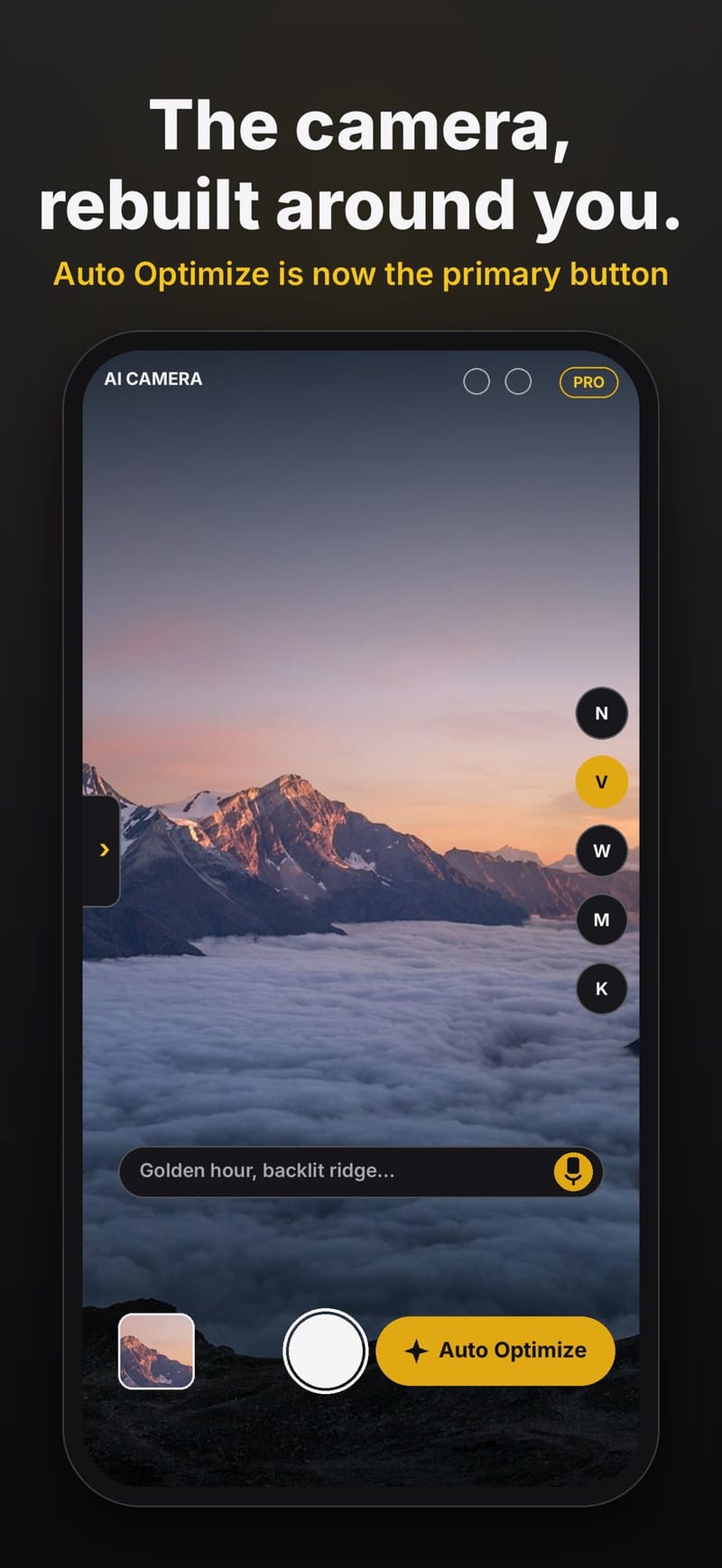
Photography books are full of recipes: to blur a moving subject, use a slow shutter; to keep a landscape sharp from front to back, focus a third of the way in. ProTune AI Camera is an iPhone camera app built around that idea. It keeps a library of field recipes and, when you tap Auto Optimize, it picks one for the scene in front of you and sets the camera to match.
It is not a filter app. Nothing is painted on after the shot. ProTune changes the capture settings themselves, and you still press the shutter.
The recipes
Each recipe is a technique with settings, steps and tips: panning to keep a moving subject sharp while the background streaks, blurring motion on purpose by day or as light trails at night, depth of field for front-to-back sharpness, HDR for scenes with bright highlights and deep shadows, getting down low for a different perspective, and composition recipes such as leading lines and minimalist frames.
The recipes are educational presets inspired by classic field technique. ProTune is not affiliated with any publisher.
Auto Optimize: sense, reason, apply, verify
The first pass runs entirely on the phone. No network is used and no pixels leave the device.
- Sense. A scene sensor combines Apple's Vision image classification, subject detection, optical flow (how much the scene is moving) and the camera's metering into one set of scene features.
- Reason. A scorer compares those features with every bundled recipe and picks the best match. A settings solver then turns the recipe into targets the phone can actually reach.
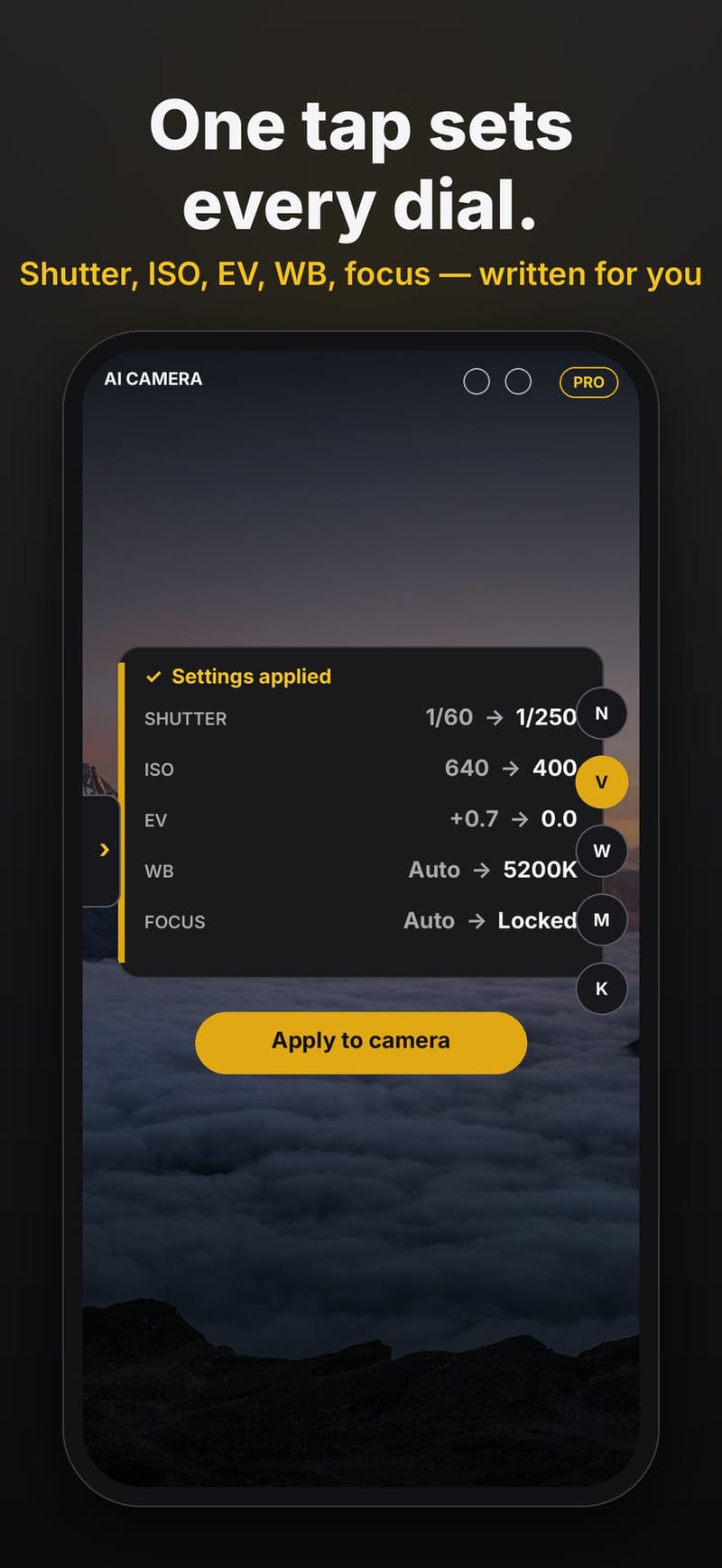
- Apply. ProTune writes shutter speed (exposure duration), ISO, exposure bias, white balance and focus to the live camera, plus zoom when the phone has a lens for it.
- Verify. The app reads the values back from the camera to confirm what was applied, and can suggest a small pan left or right if you should reframe.
Before and after chips show exactly which settings changed, and Teach mode explains why each one moved.
What the phone can set, and what stays a tip
An iPhone lens has a fixed aperture, so exposure on a phone is a trade between shutter speed and ISO. Some recipe steps cannot be done by software at all. Aperture, ND filters and using a tripod stay as coaching tips in the app instead of settings it pretends to apply.
The optional cloud refine
For a second opinion you can ask for a cloud refine, describe the scene in a note or by voice, or show the camera a photo. This step sends the frame or photo to a Grok vision model. The model is not allowed to make up a recipe. It has to call tools: first it lists the recipe catalog, optionally opens the details of one or two close candidates, then selects a recipe. The selection comes back split in two: settings the phone applies, and advice that is only shown to you.
Learn the ideas behind it
The Photo School explainer on the ProTune site walks through the photography behind each Auto Optimize decision: shutter against ISO, metering, protecting highlights, white balance and light.
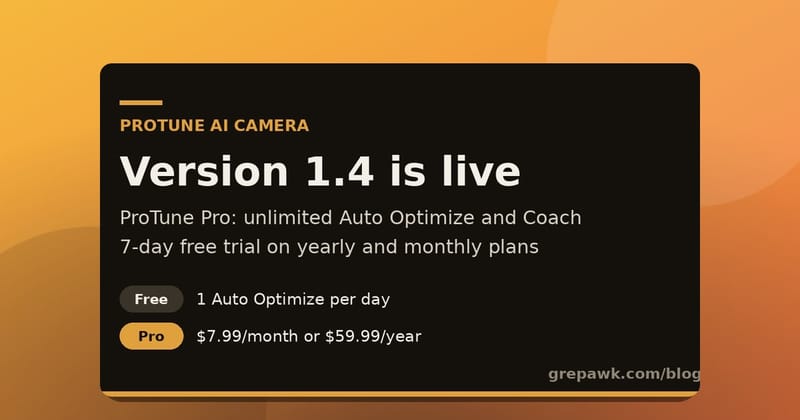
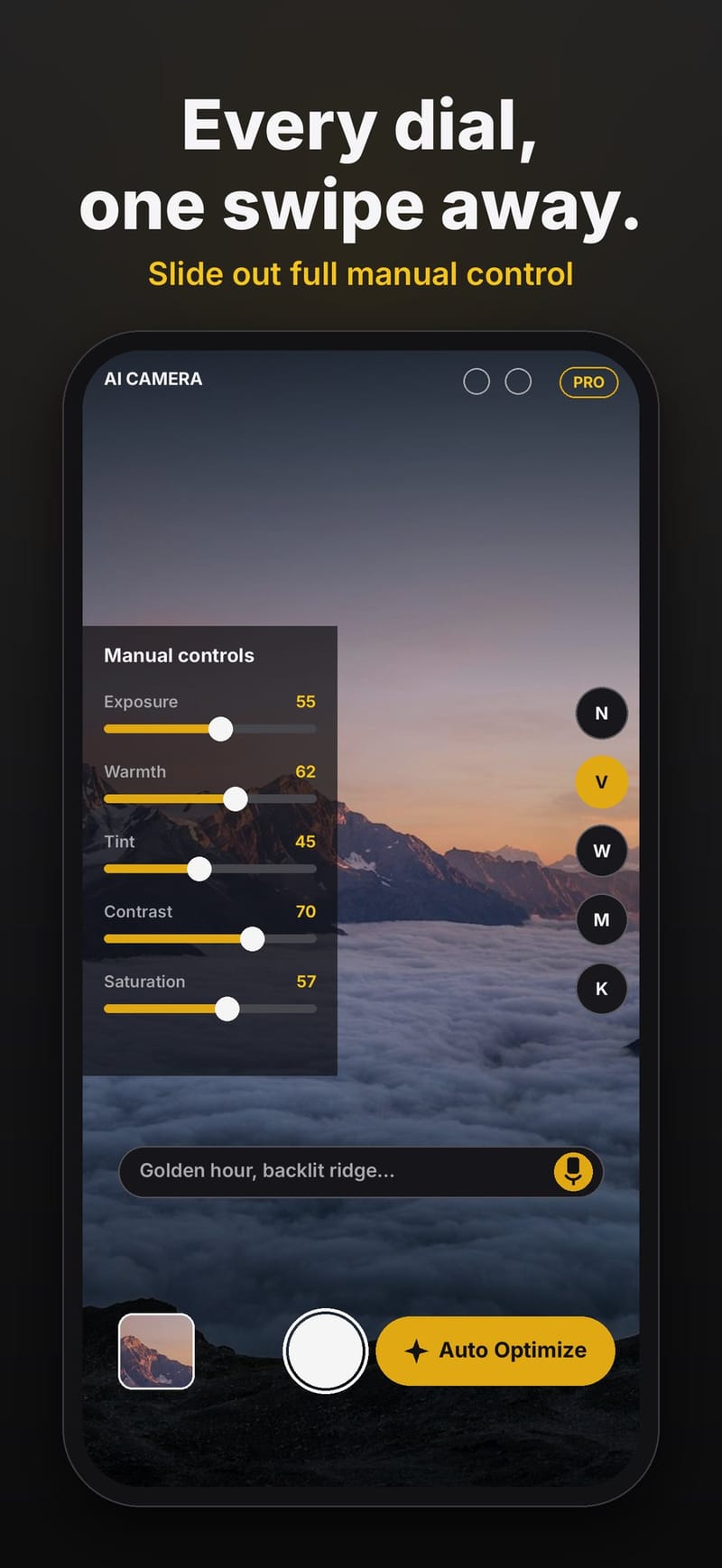
ProTune AI Camera is free to try on the App Store, with a paid Pro tier for unlimited Auto Optimize runs, manual dials and full Teach mode. More at photo.grepawk.com.