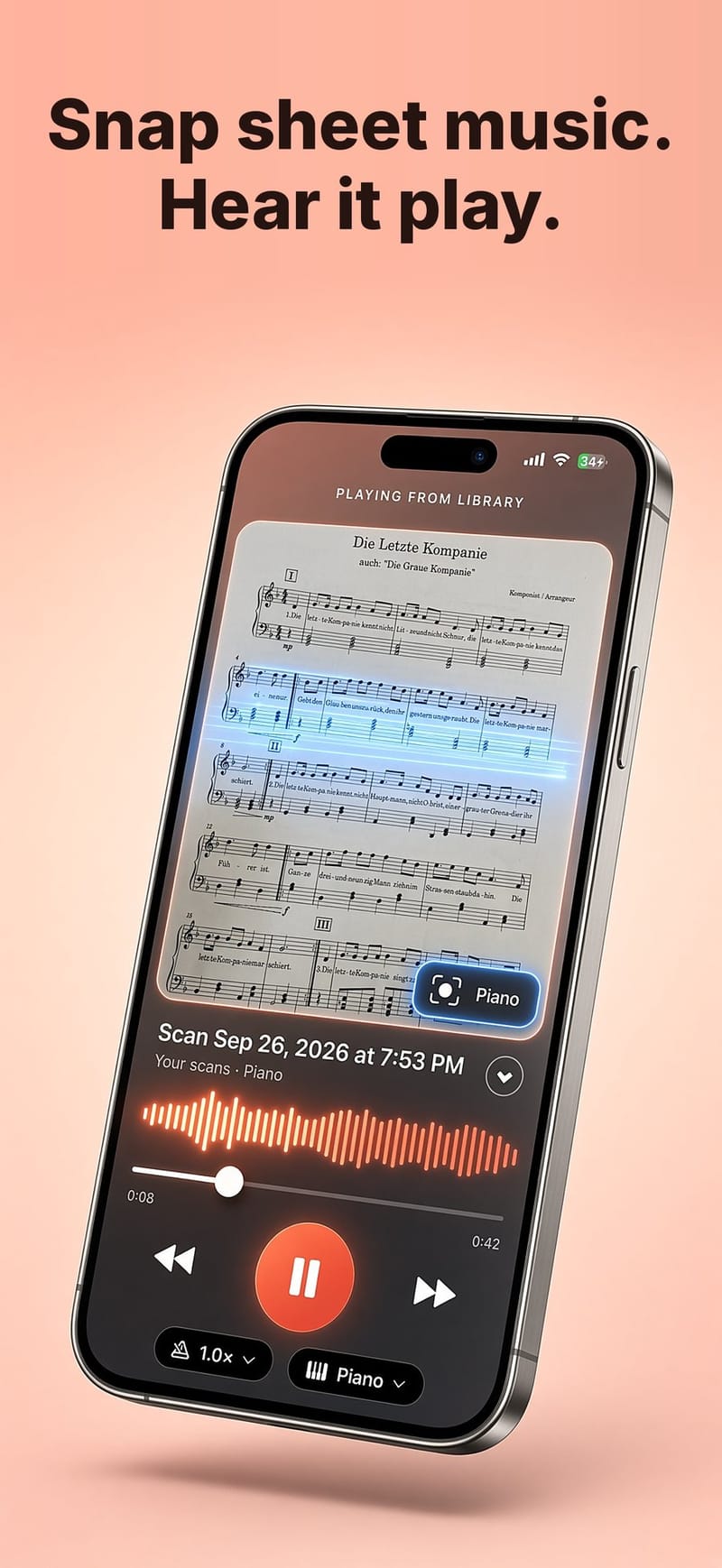
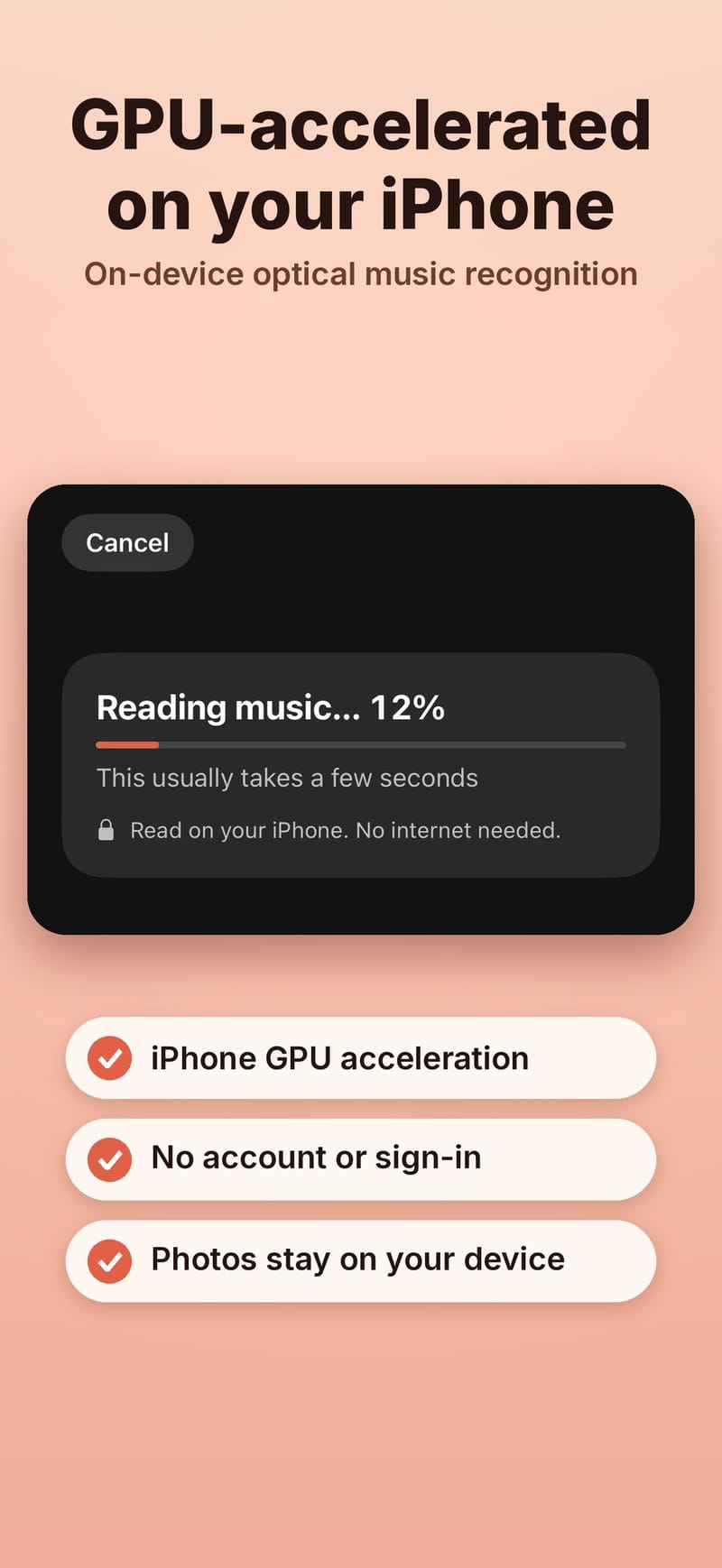
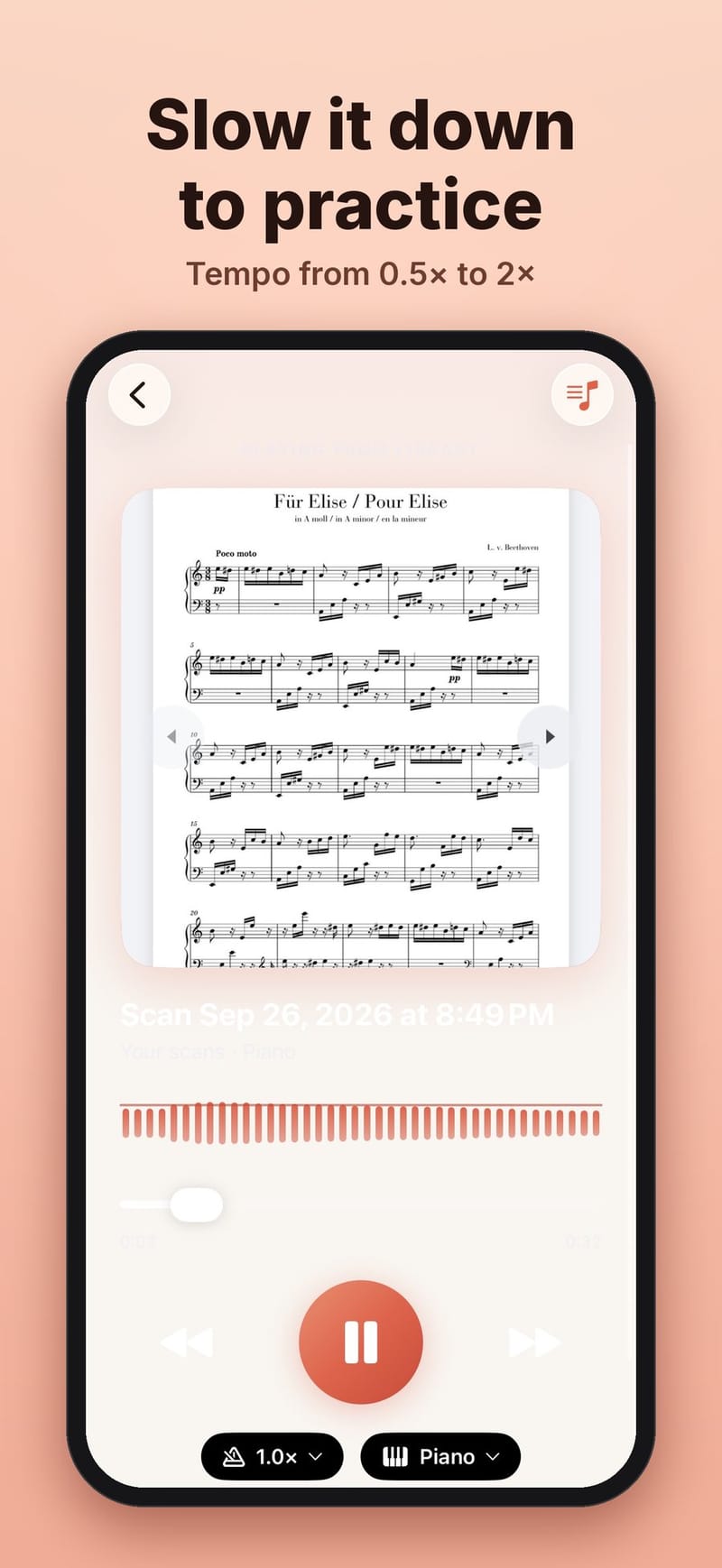
AI Camera - Music Reader turns a photo of printed sheet music into sound. You photograph a page, the app recognizes the notes, writes a MIDI file and plays it back with each note highlighted on the page. The recognition runs entirely on the iPhone. This post is about the main engineering choice behind that: how to run the neural networks.
The pipeline
Music Reader runs the open source homr optical music recognition pipeline, ported to Swift. It uses three ONNX models from the homr project:
- SegNet (fp16, about 28.7 MB) finds staff lines, note heads and other symbols in the photo. Classic image code then measures the staff geometry and straightens the page.
- Encoder (fp16, about 26.5 MB) reads each staff image.
- Decoder (fp32, about 47 MB) writes the staff out token by token: clefs, notes, rests and so on.
The tokens become a standard MIDI file plus the position of every note, which drives the highlights during playback.
Two ways to run a model on an iPhone
Core ML is Apple's framework. It can use the Neural Engine and the GPU, which makes repeated scans faster and can save battery. ONNX Runtime is a cross-platform engine that runs the same model files on Linux, macOS and iOS, and it has a Core ML execution provider that hands supported parts of a model to Core ML.
We use ONNX Runtime everywhere and turn on the Core ML provider for SegNet and the encoder, with CPU fallback. The decoder stays on the ONNX Runtime CPU provider in fp32. That is deliberate: the decoder is where exactness matters, and running it in fp32 on the CPU keeps its output token for token identical to homr. The encoder output is converted from fp16 to fp32 before it enters the decoder.
Every change has to pass the same gates: a C major scale staff must produce all 12 expected tokens, and a set of nine reference pages guards against drift.
What we measured
On an iPhone running iOS 26.3, with ONNX Runtime 1.24.2:
| Model | Session create | First run | Memory |
|---|---|---|---|
| SegNet, Core ML | 2,750 ms | 235 ms | 239 MB footprint |
| Encoder, Core ML | 30,751 ms | 155 ms | 817 MB peak |
| Decoder, CPU | 268 ms | 196 ms | 430 MB footprint |
Inference is fast. Setup is not. Total warmup was 34.4 seconds, almost all of it Core ML compiling the encoder the first time. For comparison, the same pipeline parses a full page in 3 to 6 seconds on a Linux CPU, with a peak of about 1.3 GB.
The costs of Core ML
- First compile. Core ML compiles a model for the specific chip. It can happen again after reinstalling the app, updating iOS, or when the system clears its cache.
- Memory. A high startup footprint plus the memory of a full-page parse raises the risk of iOS ending the app.
- A black box. How Core ML splits a model between the Neural Engine, GPU and CPU can change between iOS versions, and unsupported operators can quietly fall back to the CPU. That is the other reason the decoder stays out of it.
Alternatives we rejected
CPU only for everything. Fast to load, fully deterministic and an exact match with homr, but every scan would be slower and use more battery.
A precompiled native Core ML encoder. The first launch would be fast, but the encoder would no longer run through ONNX Runtime, we would ship a second copy of the model, and every model update would need to be validated against homr again.
What we chose
Keep ONNX Runtime with the Core ML provider, and stop paying the encoder's compile cost more than once. The app now keeps a cache of the compiled encoder in its own storage, excluded from backups. Each entry is keyed by the SHA-256 of the model file rather than by the app's install path, which changes when the app updates. An entry is only reused once its compile has finished, so a compile cut short by the system is thrown away instead of breaking the next launch, and entries for models the app no longer uses are deleted.
Two other changes made the decoder cheaper. It used to copy its key-value cache between steps; it now keeps those tensors inside ONNX Runtime with I/O binding, so only the small per-step outputs cross into Swift. And on iPhone, two staffs are decoded in parallel, each with its own sessions.
Get it
Music Reader is in App Store review. The app is open source under the GNU AGPL, and the support page links to the source code. Its sibling app, AI Music Radar, goes the other way and writes sheet music from what it hears: music.grepawk.com.